![lutronic-red-tab-white.png]](https://support.lutronic.com/hs-fs/hubfs/Branding/lutronic-red-tab-white.png?height=50&name=lutronic-red-tab-white.png)
Installation in HubSpot
Please follow the following steps to connect Showpad to your HubSpot account.
- Click on the following link to install the app: Install HubSpot-Showpad Integration
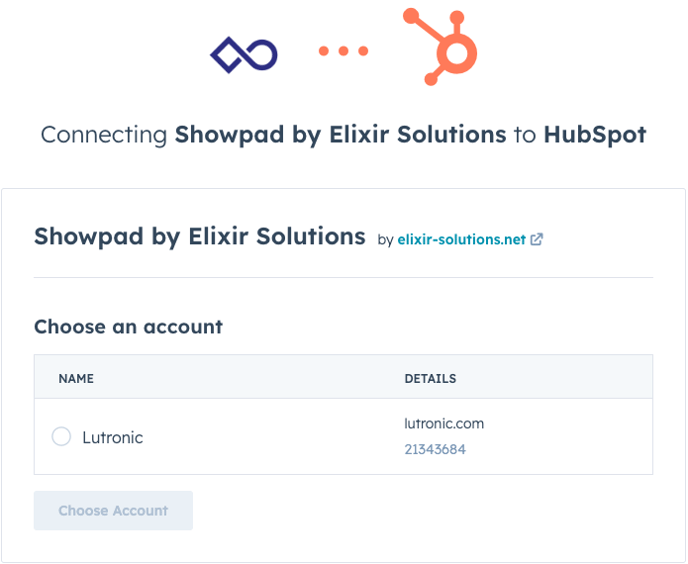
- After clicking on installation, you'll be directed to a page like this and you need to connect the app to your portal:
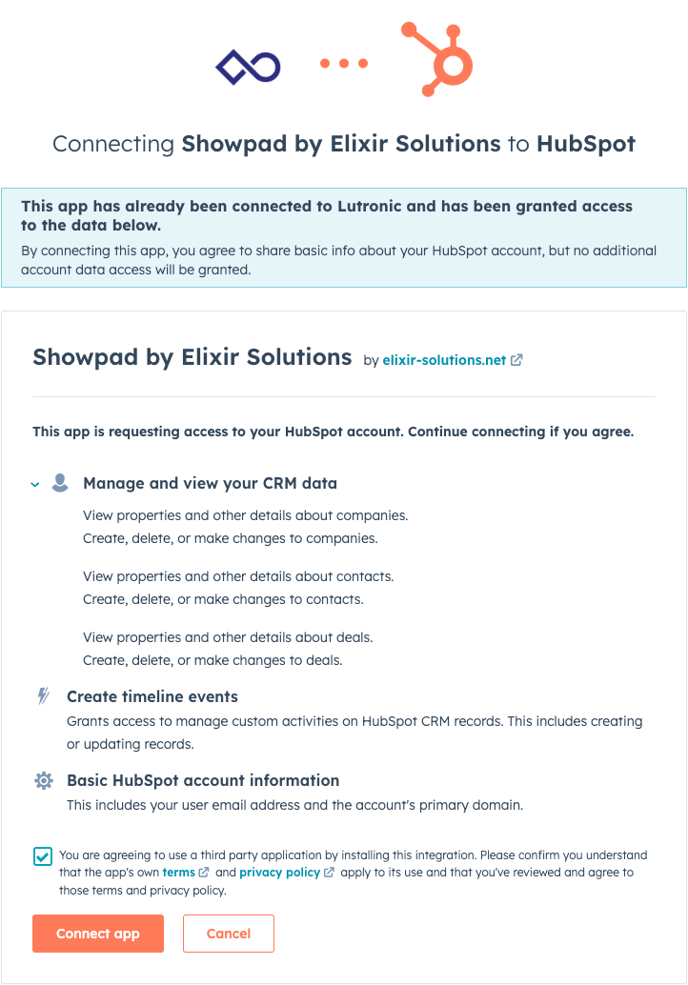
- Confirm the checkbox and click on "Connect app".
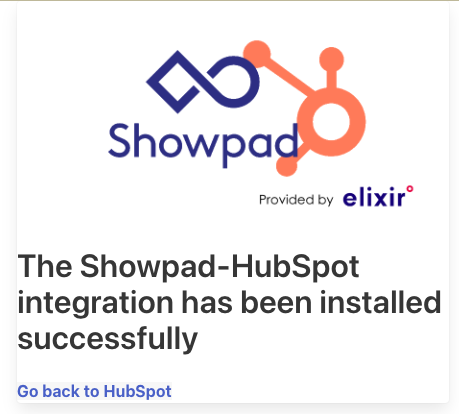
- You should get a confirmation looking like that. If you need help, you always can reach out to the implementation partner Elixir Solutions or watch their tutorial video.
Use Showpad
- Login to Showpad: https://lutronic.showpad.biz/
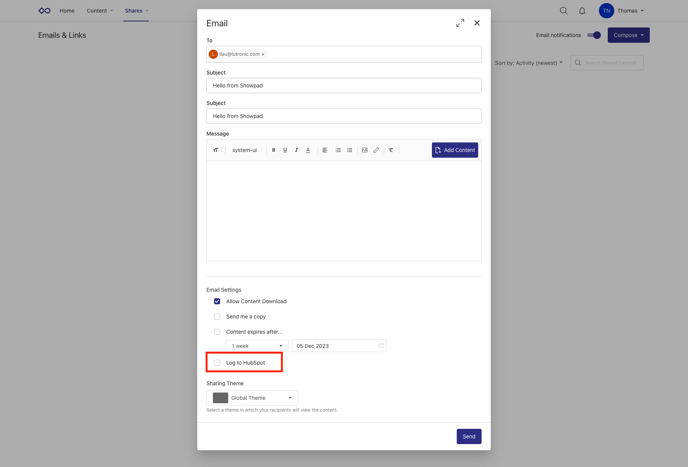
- To start using the integration you need to activate the checkbox in an email creation which says "Log to HubSpot".
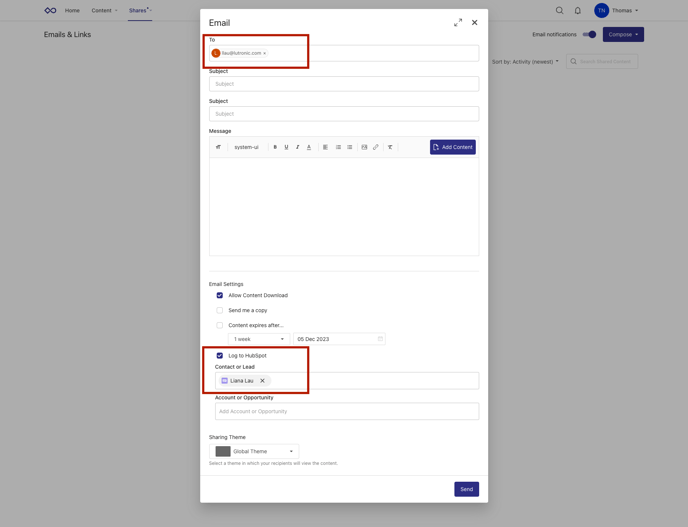
- To send an email to a prospect make sure you add the email address in the "To" field and also add the email address at the log input field as shown below.
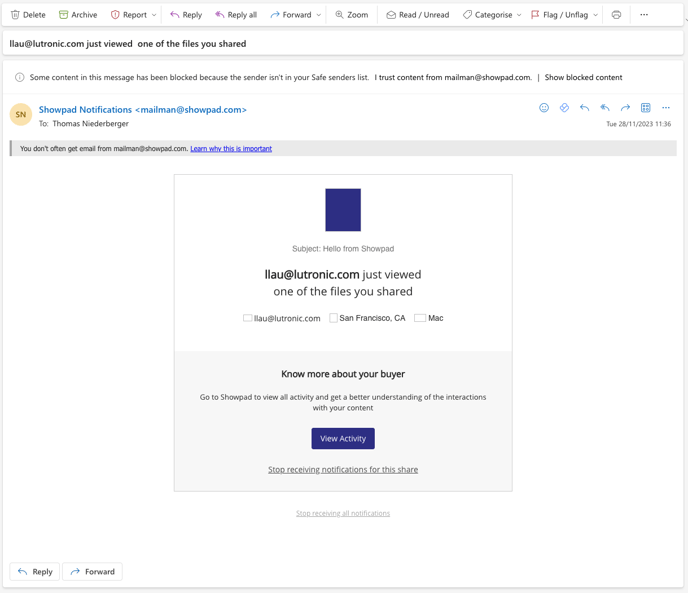
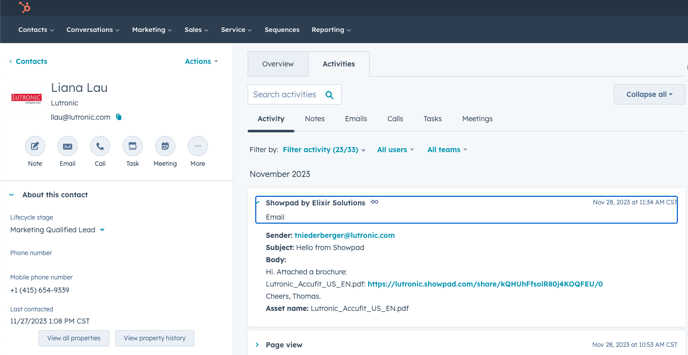
- As the HubSpot sync is turned on you will get an email notification about the prospects action as well everything is tracked in HubSpot.