![lutronic-red-tab-white.png]](https://support.lutronic.com/hs-fs/hubfs/Branding/lutronic-red-tab-white.png?height=50&name=lutronic-red-tab-white.png)
Standard Filters
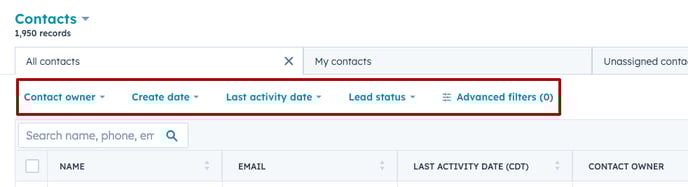
Navigate to "Contacts". To filter by a common default property, click the default property Dropdown menu above the table (e.g., Contact owner, Create date, Last activity date, Lead status for contacts) and select filter criteria. If this Preset choice of filters is not sufficient for your needs, proceed with the advanced filtering options.
Advanced Filters
- To filter by the object's other properties, click "Advanced filters". In the right panel:
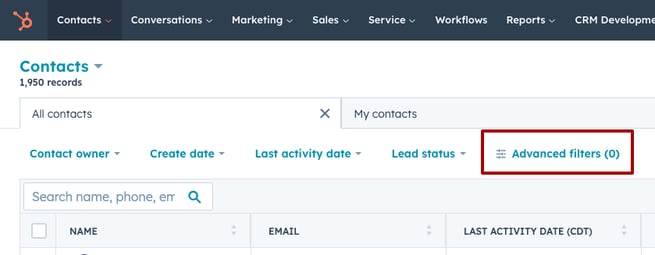
- A pop up menu opens on your right side.
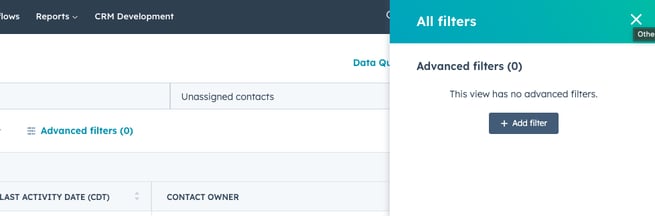
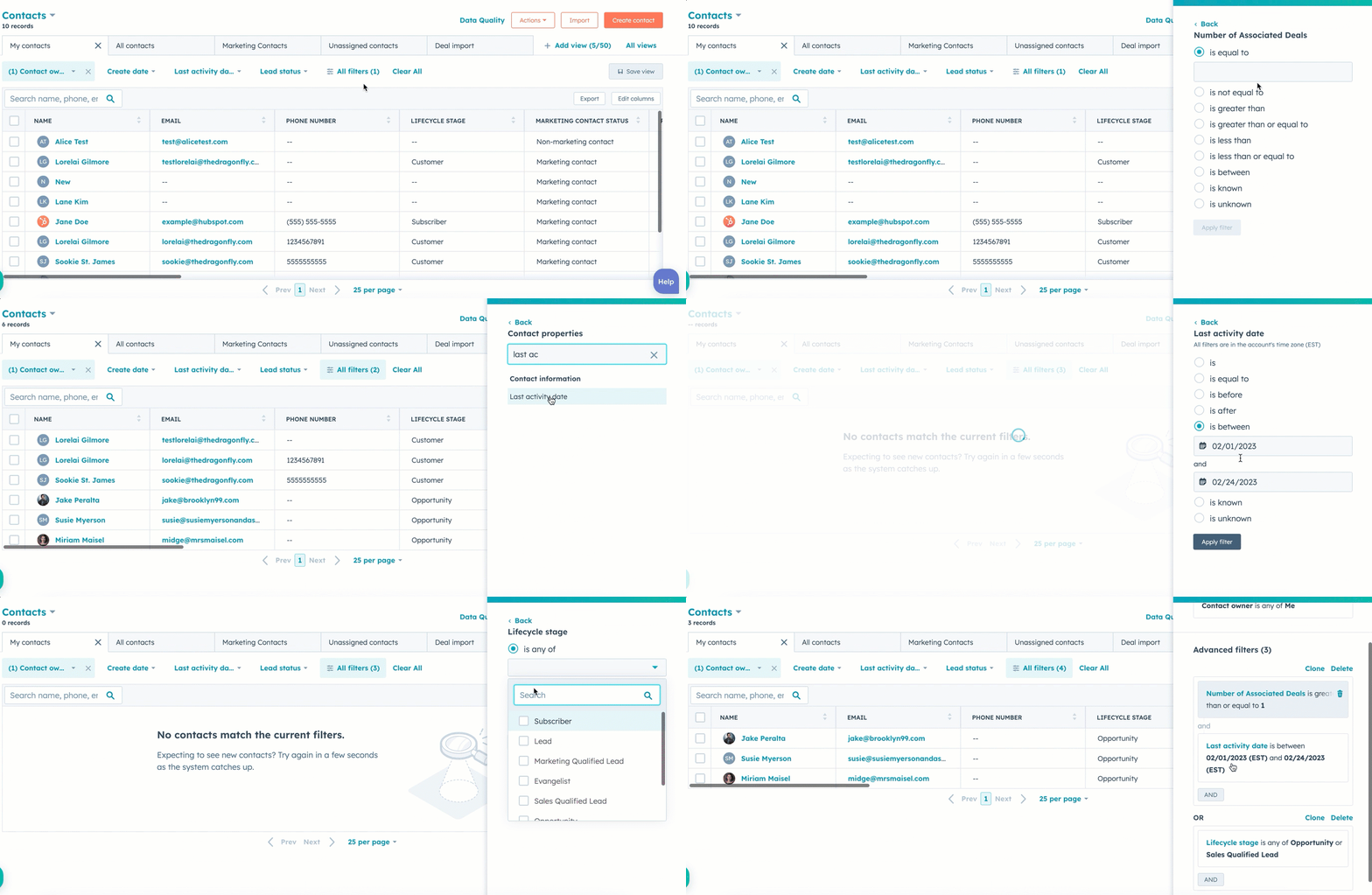
- Click "+Add" and search for the property or activity information you want to filter.
Change the default view
Is there specific information within contacts you always want to see at first sight? Then, you can save permanent views only for you or even share them with your team.
- Navigate to "Edit columns"
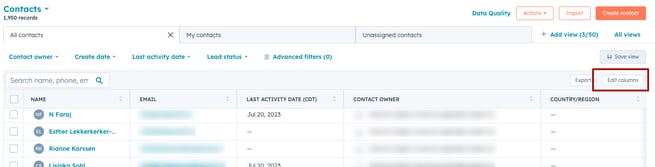
- Drag & Drop the Columns in order or choose new ones. Click on "apply".
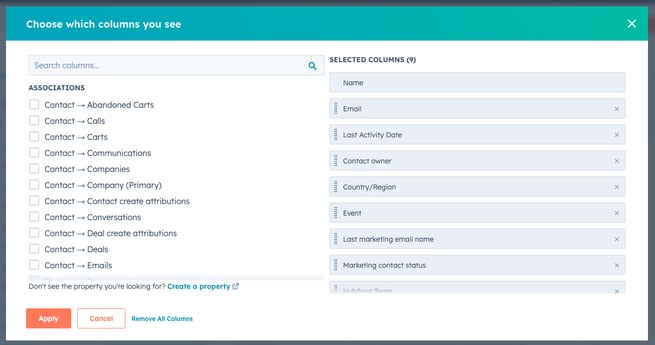
- "Save view" for future use

Often used Filter sets
Helpful filters for your daily work might be:
- Contact owner
- Marketing contact status
- Newsletter subscription date
- Event Name
- Number of associated deals
Work with Contacts