![lutronic-red-tab-white.png]](https://support.lutronic.com/hs-fs/hubfs/Branding/lutronic-red-tab-white.png?height=50&name=lutronic-red-tab-white.png)
A data model is a picture of your data structure.
Why is it important? The way you structure your data determines things like:
- How that data shows up in HubSpot
- Your ability to track and report on information
- Your ability to automate your processe
- Let's get a better sense of how you might use this tool to model your own data.
The basics of HubSpot: Objects, records, and properties
Imagine you own a pet grooming business and you're storing customer details in a spreadsheet.
A customer would be an object, or the thing you're collecting information about.
Each customer is a row in your spreadsheet. In HubSpot, each row is a record.
The columns in your spreadsheet align to info you collect about each customer, like their name or address. In HubSpot, these are called properties.

- Customers are stored as objects.
- Alex Mervis is a record.
- amervis@admiral-blue.com and +3502468384 are properties.
Keeping track of relationships: Associations
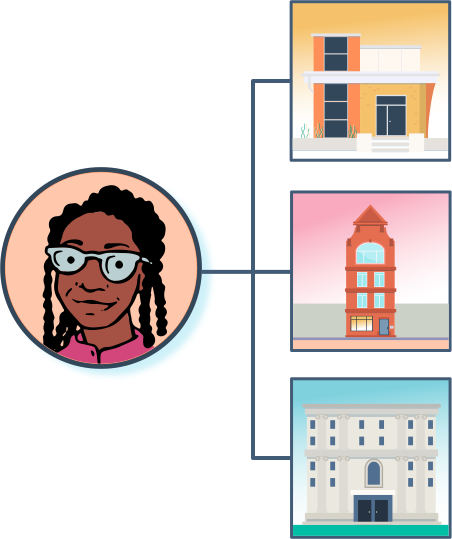
You'll use associations to show relationships between records.
Think back to your pet grooming business, and imagine you gather information about your customers, their pets, and the services they're buying from you. HubSpot lets you create associations between those records.
Why is that important? When you're looking at one record in HubSpot, you see info about all of its associated records right there. That makes it easy for reps to connect the dots and do their jobs faster.
How objects fit into the data model
One of the first things you'll do is figure out how your data fits into CRM objects and their properties.
CRM objects (ex Contacts, Companies, Deals)
HubSpot defines CRM objects for you. They're carefully designed to fill common business needs and come with “superpowers” that make them easy to use, report on, and automate.
| Object Name | Represents | Superpower |
| Contacts | People | Send marketing emails from HubSpot |
| Companies | Organizations | Automatically enriched with public information |
| Deals | Potential sales | Revenue attribution and sales reporting |
| Tickets | Support requests | Automatically created by incoming mails, chat sessions |
| Equipment | Custom Objects | Individual data |
The Objects
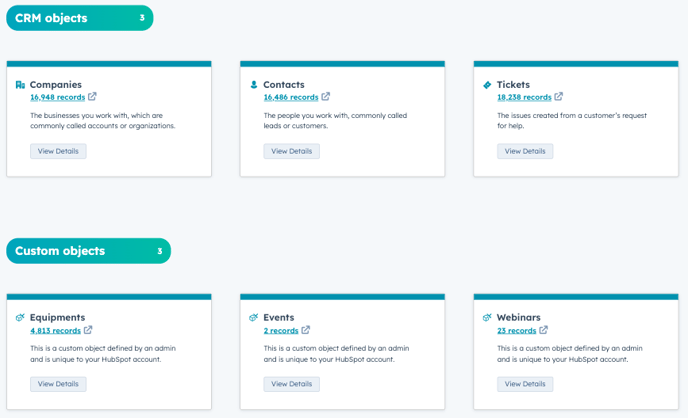
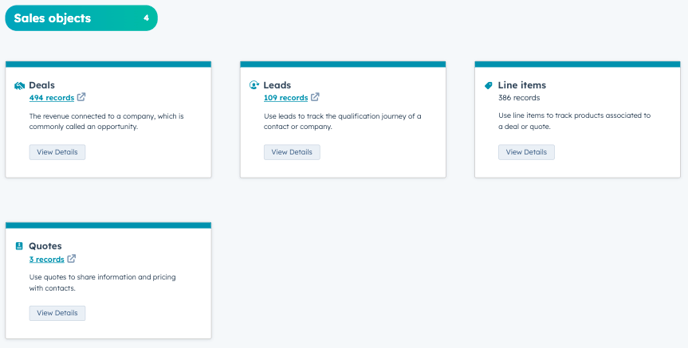
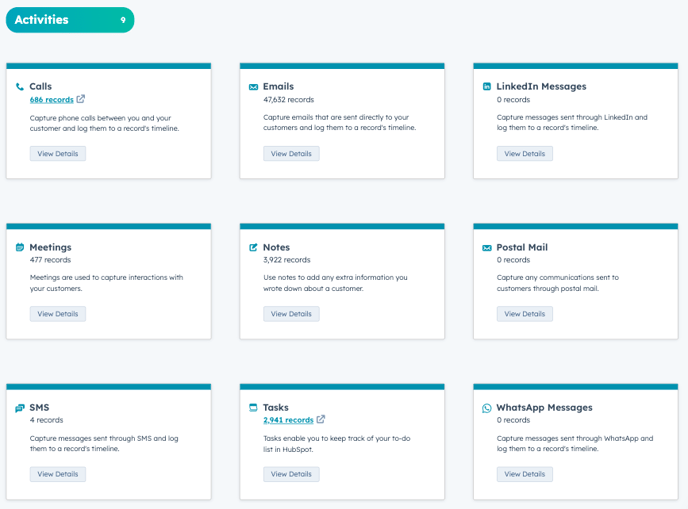
All the Objets in the following three images can be associated to each other. That means every contact can have an unlimited amount of Companies or a Deal can belong to a Contact. This associations can be created on the Object (Contact, Company etc.) itself.
HubSpot API
HubSpot’s developer platform is a core part of HubSpot. The APIs are designed to enable teams of any shape or size to build robust integrations that help them customize and get the most value out of HubSpot. The Data Model is a big part of the HubSpot API. Every object has Record IDs and Associations with the other objects.